Phase 1
The quiet first night
It will not spawn during the first day/night cycle, and it may not show up every night after that. You get time to settle in, and you never know which night it comes.

A Minecraft Forge horror mod by Pixel_Coder
One tall entity. It follows you, appears where you don't expect it, and can kill you, though it doesn't always choose to. Here is how it plays, what it runs on and how to install it properly.
Most Minecraft monsters want a fight. This one wants you to know it's there.
The One Who Watches is a psychological horror mod for Minecraft: Java Edition, built on Forge by Pixel_Coder. Instead of a crowd of new mobs, it adds a single presence to your survival world, and that presence is in no hurry.
The author's stated aim is to make you feel uneasy, fearful and hyper-observant. The entity is a stalker: it can kill you but doesn't have to, and sometimes it would rather torment you or make you doubt your own eyes.
It may even let you escape, because watching you run is the point. That restraint is what separates it from mods that simply add a tougher enemy. You spend more time scanning tree lines and listening for footsteps than fighting.
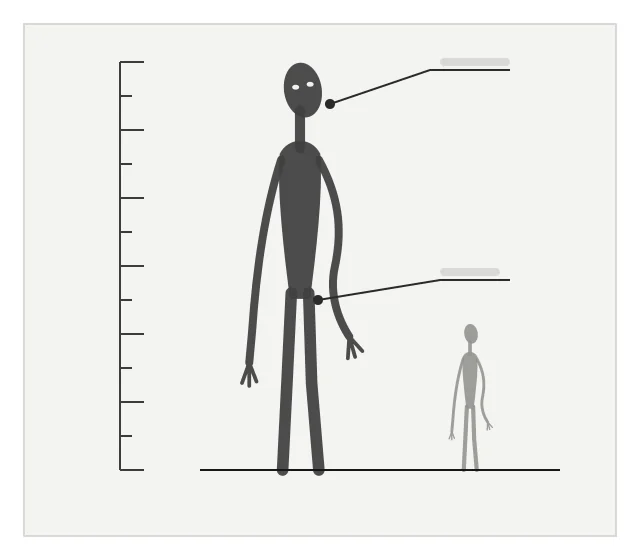
Five features shape how a world with this mod plays out, in roughly the order you'll meet them. All are drawn from the author's own description.
Phase 1
It will not spawn during the first day/night cycle, and it may not show up every night after that. You get time to settle in, and you never know which night it comes.
Phase 2
The author's own survival advice starts with listening for footsteps. Sound carries the early warning, and the mod is known for being loud when it wants your attention.
Phase 3
It can make you believe you've seen it where it isn't. After a few false sightings, every gap between the trees starts to look suspicious.
Phase 4
Then it's really there. It follows, hangs back and chooses its moments. Even when it doesn't seem aggressive, the author is blunt: don't go near it.
Phase 5
It can kill you, and it will. But it may also let you get away, preferring to watch you run. Surviving one night doesn't mean it has lost interest, which is exactly what keeps the tension going.
Four stages take you from a clean Minecraft install to your first uneasy night.
Install Forge for Minecraft 1.20.1 or 1.19.2, or create a Forge profile in the CurseForge app.
Forge 47.x pairs with 1.20.1; 43.x with 1.19.2.Put the GeckoLib build for Forge and your version in the mods folder, then add the mod jar.
Keep both jars zipped, and keep only one GeckoLib file.Start the game with Forge and check the Mods screen lists both files.
A crash here almost always means a version mismatch.Start a world. The first day/night passes quietly; after that it may arrive on any night.
A quiet night is normal. It doesn't come every time.Who tends to get the most out of a single, patient horror entity.
A fair summary of strengths and drawbacks, so you can decide if it suits how you play.
What the mod's listing supports, plus straight answers for the platforms people search for.
Main file, and the build behind our download button.
Separate jar on the mod's CurseForge files page.
Listed as client and server: install on both, with matching versions.
No 1.21-series build has been published. Read the 1.21 status guide.
No NeoForge build is listed for any version.
Java mods can't run on Bedrock. Similar-named add-ons are separate projects. Bedrock explained.
Statuses reflect the mod's CurseForge listing at the time of writing. A search term such as "Fabric" or "MCPE" isn't a sign of support; where a platform isn't listed, we say so.
Latest release, February 11, 2026
Mod version 1.4.4, both builds. A detailed changelog isn't reproduced here; per-file notes live on the Files tab of the mod's CurseForge page. We update this panel when a new file is published.
Nine focused guides. Each answers one question and sticks to what can be verified.
Start here
Two install paths, the CurseForge app and a manual mods folder, with the GeckoLib step people most often miss.
Open the install guide SetupWhy The One Who Watches needs GeckoLib (and how to match
it)What GeckoLib is, why mod versions 1.4.0 and up depend on it,
and how to choose the matching file.
SetupWhy The One Who Watches needs GeckoLib (and how to match
it)What GeckoLib is, why mod versions 1.4.0 and up depend on it,
and how to choose the matching file.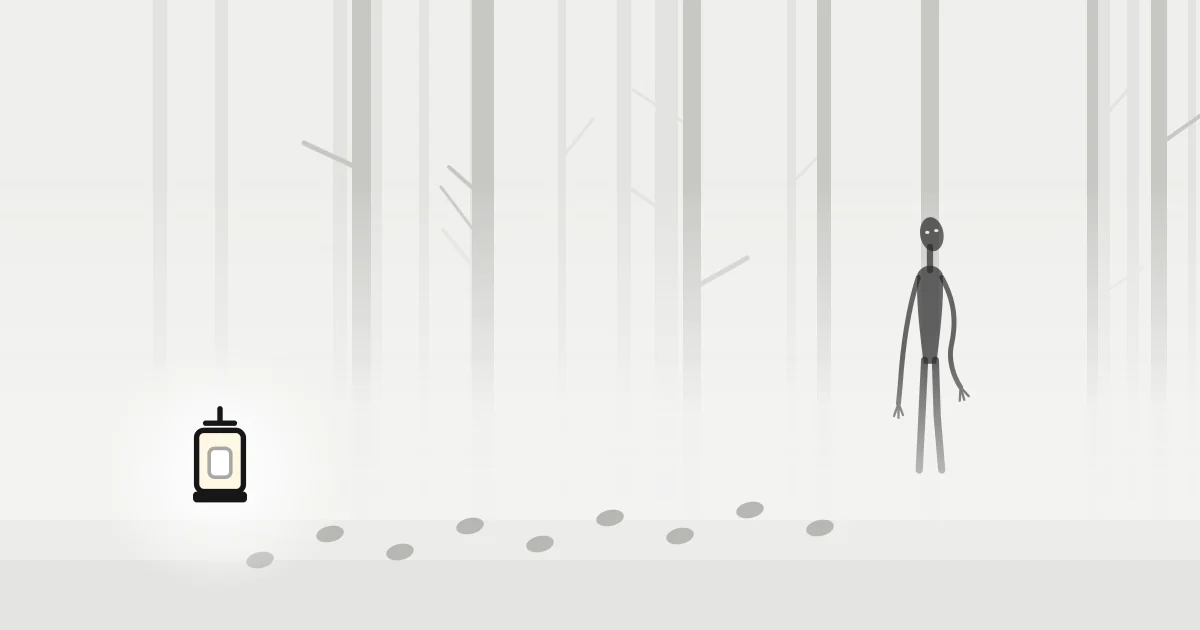 GameplayHow to survive The One Who
WatchesWhen it shows up, how to use sound, and why distance is
the only strategy the author recommends.
GameplayHow to survive The One Who
WatchesWhen it shows up, how to use sound, and why distance is
the only strategy the author recommends. Fixes and safetyThe One Who Watches
mod not working: fixes that solve most casesWork through these
checks in order. Most failures come down to a version mismatch.
Fixes and safetyThe One Who Watches
mod not working: fixes that solve most casesWork through these
checks in order. Most failures come down to a version mismatch.The current 1.20.1 build of Pixel_Coder's horror mod. Drop it into your Forge mods folder alongside GeckoLib, and your next world won't feel quite so empty.
File: TheOneWhoWatches-V1.4.4-1.20.1.jar
Hosted on CurseForge, where Pixel_Coder publishes the mod. This site doesn't host or alter the file. Playing on 1.19.2? That build is listed separately on the mod's CurseForge files page.
The manual route, step by step. Prefer an app to do it for you? The panel alongside covers that.
You need: Minecraft: Java Edition 1.20.1 or 1.19.2, Forge for the same version, and GeckoLib.
Run the Forge installer for your game version and choose "Install client".
Launch the Forge profile once from the Minecraft Launcher, then close the game.
Place the GeckoLib file made for Forge and your exact game version in the mods folder.
Get the jar from the download section and place it beside GeckoLib. Don't unzip it.
Launch Forge and open the Mods screen. Both GeckoLib and The One Who Watches should be listed.
Most problems come down to something not matching. Find your symptom.
Twenty answers in two briefings: getting it running, and what happens once it does.
Versions, loaders, GeckoLib, servers and where the file comes from.
Its CurseForge page lists two: Minecraft 1.20.1 and 1.19.2. Both builds are mod version 1.4.4, released on February 11, 2026, and both run on Forge.
Not at the moment. Forge is the only loader listed for either game version. Fabric players can keep a separate Forge profile for it without changing their Fabric setup.
Not this mod. It is a Java Edition Forge mod and cannot run on Bedrock, Pocket Edition or consoles. Some Bedrock add-ons with similar names exist, but they are separate projects by other creators.
Yes. The author states that mod versions 1.4.0 and up require GeckoLib. Install the GeckoLib build made for Forge and the same Minecraft version as the mod.
No 1.21-series build is listed. A 1.20.1 jar will not load on 1.21.11; Forge will either refuse it or the game will crash during startup.
We could not confirm an official Modrinth listing by the author when this page was written. Pixel_Coder publishes the mod on CurseForge, and its licence there is All Rights Reserved, so treat reuploads elsewhere with caution.
The main button in the Download section points to TheOneWhoWatches-V1.4.4-1.20.1.jar, the Forge 1.20.1 file hosted on CurseForge. This site does not host or modify the file.
In the mods folder of your Forge installation, next to GeckoLib. On Windows that is usually %appdata%\.minecraft\mods. Leave the jar zipped; Minecraft reads it as it is.
CurseForge lists its environment as client and server. Install the mod and GeckoLib on the server, and make sure every player has the same versions installed on their own game.
Minecraft 1.20.1 and 1.19.2 both run on Java 17. The official Minecraft Launcher bundles it, so you only need to think about this if you use a custom Java path or a third-party launcher.
How it behaves, when it appears and how to keep your distance.
A psychological horror mod that adds one tall entity to your Minecraft world. It stalks you, can make you think you have seen it where it isn't, and can kill you, though it does not always choose to.
Pixel_Coder, also known as Pixel Coder, a Minecraft modder and YouTuber. The project is tagged on CurseForge as made with MCreator.
Not during the first day/night cycle. The mod's own FAQ says it will not spawn until that first cycle has passed.
It may not show up every night, according to the author. If several in-game days pass with nothing at all, open the Mods screen to confirm the mod loaded.
Yes. The author describes it as a stalker that can kill you but doesn't have to. Sometimes it may let you escape, preferring to watch you run.
Not always. The mod can make you think you see the figure in places where it is not, which is part of how it builds tension.
The author's advice is to listen for footsteps, always be watching for it and stay as far away from it as possible. Even when it seems calm, do not go near it.
Yes. The mod page notes it should not be loud enough to damage your hearing but is still very loud. Set a comfortable volume before playing, especially with headphones.
The author says you are welcome to use it in YouTube videos, as long as you credit them.
No. This is an independent fan reference and is not affiliated with Pixel_Coder, CurseForge, Mojang or Microsoft. It summarises public information and links to the file hosted on CurseForge.